Our Motto: Create Capacity!
ISTE Playground
Your Personalized Soda Pop Shop:
Customizing Your Classroom
Inspired by our Utah-based tradition of customized soda shops, this playground models the mixology of personalized learning. Our "Big 6 Tools" serve as the Base (Soda). Participants blend strategies (Flavor/Cream) to yield a personalized product (Mixed Soda). Leave with a custom "Recipe Card" for immediate classroom integration.
Save Your Nearpod Lessons by June 30
Due to funding changes, Utah is transitioning to the Nearpod Platform Package. Nearpod remains free, and you will not lose your created lessons, but access to the premade Nearpod Lesson Library, Math/Social Studies Programs, and shared School/District Libraries will end.
🛑 Teacher Action Required By June 30
To keep your instructional materials for next year, you must manually save them to your personal account:
-
Move Shared Content: Copy any crucial lessons out of your School/District Shared Libraries and into your personal account.
-
Add Library Lessons: Download any global Nearpod Library lessons you want by adding them to your account and making a quick edit (e.g., renaming it to "The 2026 Olympics - Smith").
-
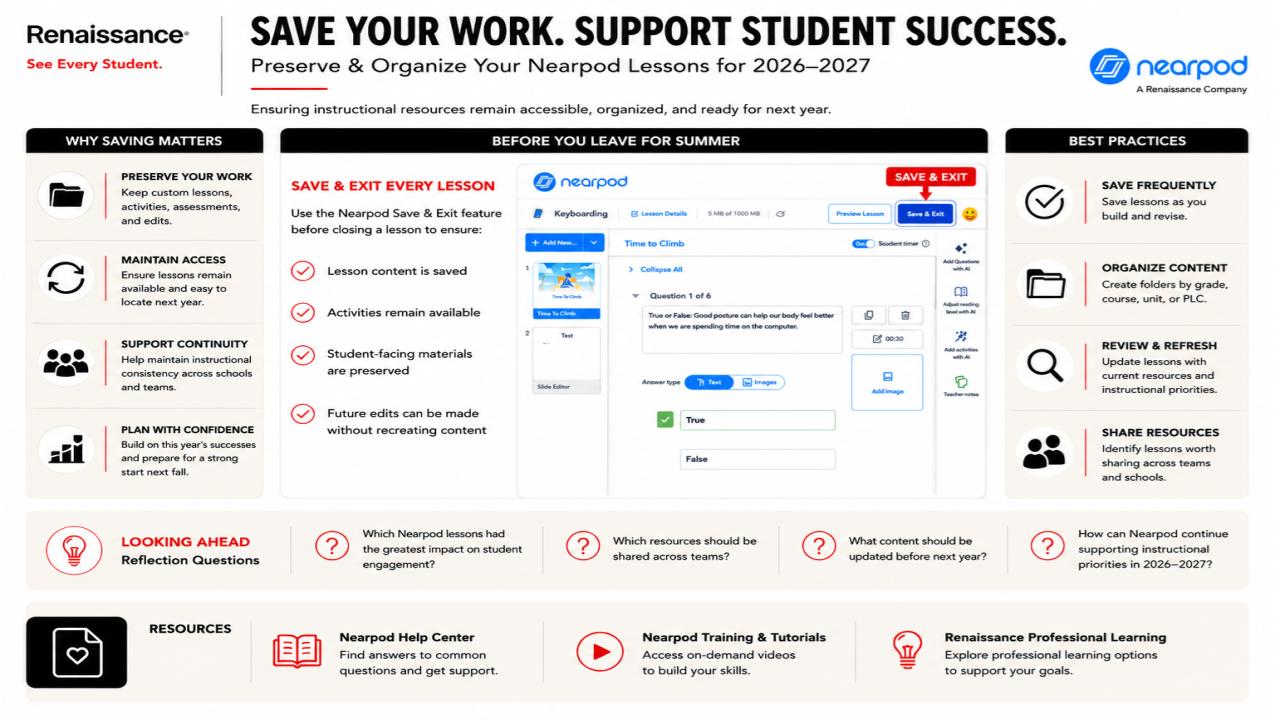
Save & Exit: As detailed below, always use the "Save & Exit" feature to fully preserve your content, activities, and future editing capabilities.
Refer to the following guide for best practices on organizing your folders and refreshing your content before leaving for the summer.
Digital Resources Follow Us
Instructional Coaching
ICI Schedule 26-27
iBoss Student URL Access
JordanPD Canvas Login
Canvas Sandbox Request Form
Zoom Pro Account Request Form
LearnPlatform Requests
jordandigitallearning
Jordan Teaching & Learning
Jordan Journey Podcast
Check out The Jordan Journey Podcast! Click the player to hear our most recent episode!
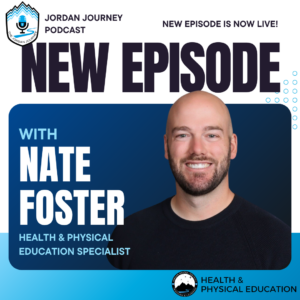
You can find past episodes on the Podcast Archive page.
The "Big Six" are district-supported digital tools used for student creativity and effective learning in Jordan School District. We provide in-depth resources and training for each of the Big Six for educators in Jordan. Explore DTL's Big Six resources.