Skip to content

January 2026 Google News-
Generate Presentations in the Gemini App

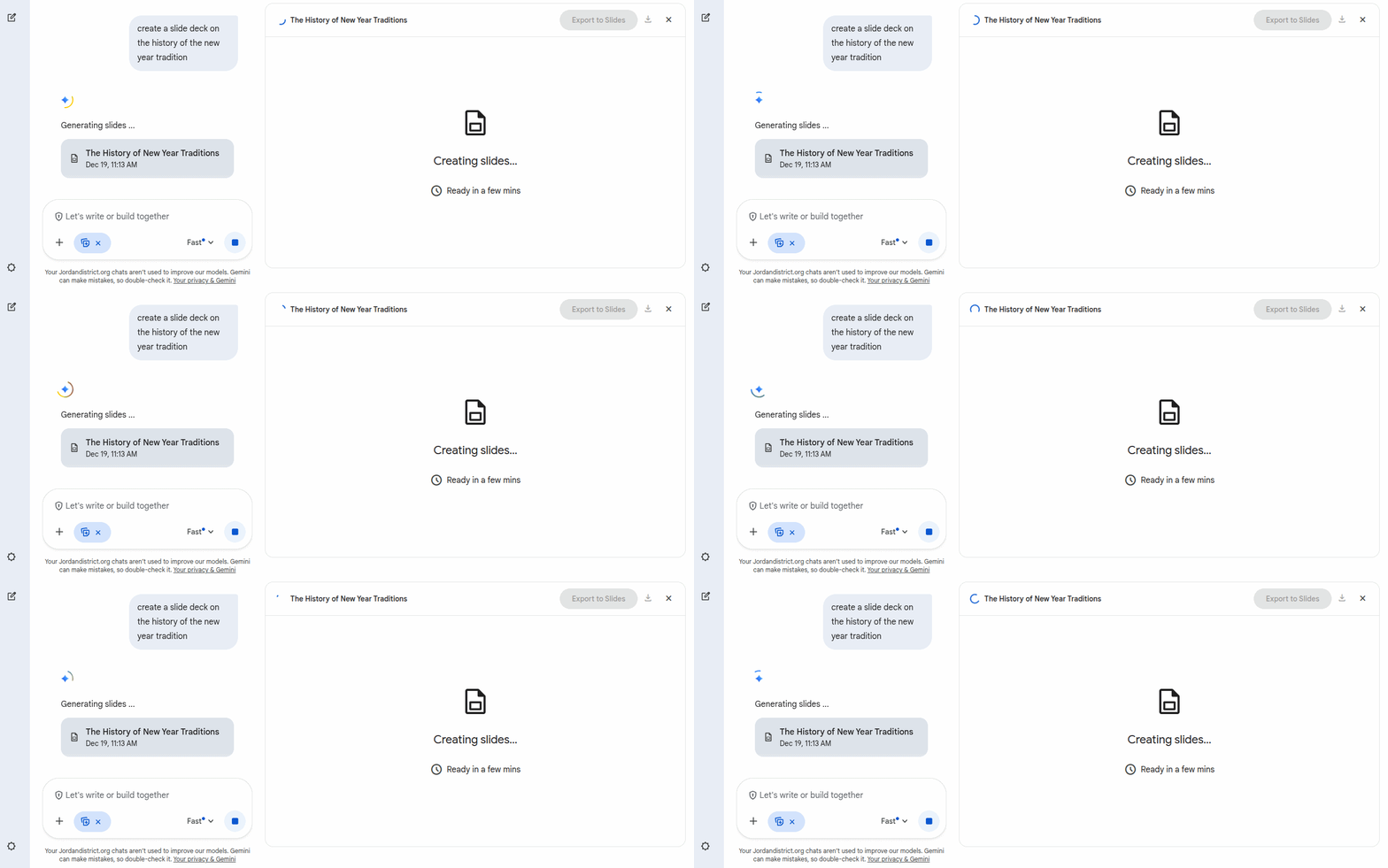
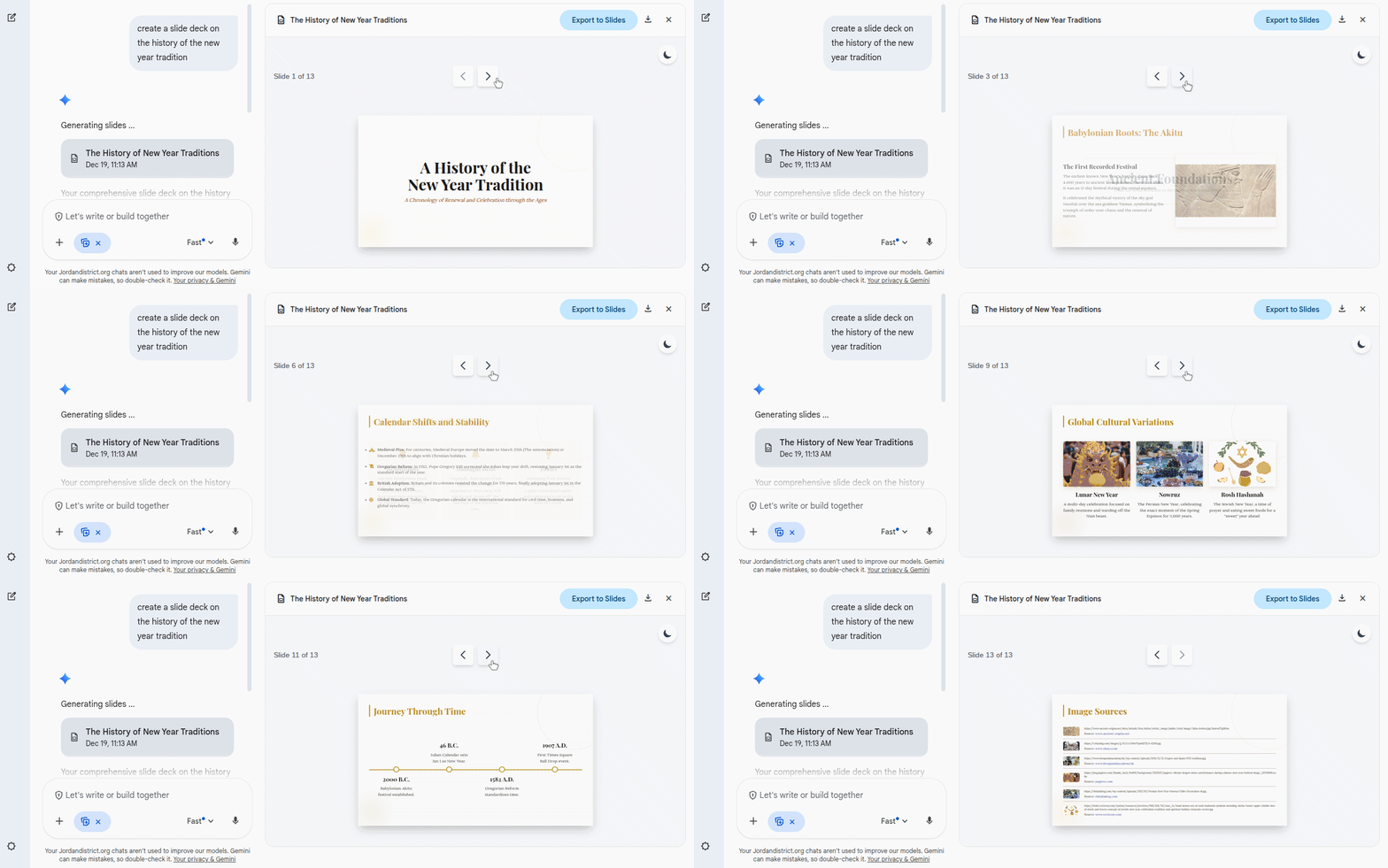
Google recently introduced the ability to create slide presentations in Gemini through the Canvas tool. Provide an idea with a text prompt or upload a source, and Gemini will generate a set of slides — complete with a theme and relevant images. Then, export the presentation from the Gemini app directly to Google Slides to continue to refine or collaborate with others.

Open the Gemini app, select “Canvas” in the toolbar, and ask Gemini to “create a presentation.” You can specify a topic or upload your own source with the prompt. 

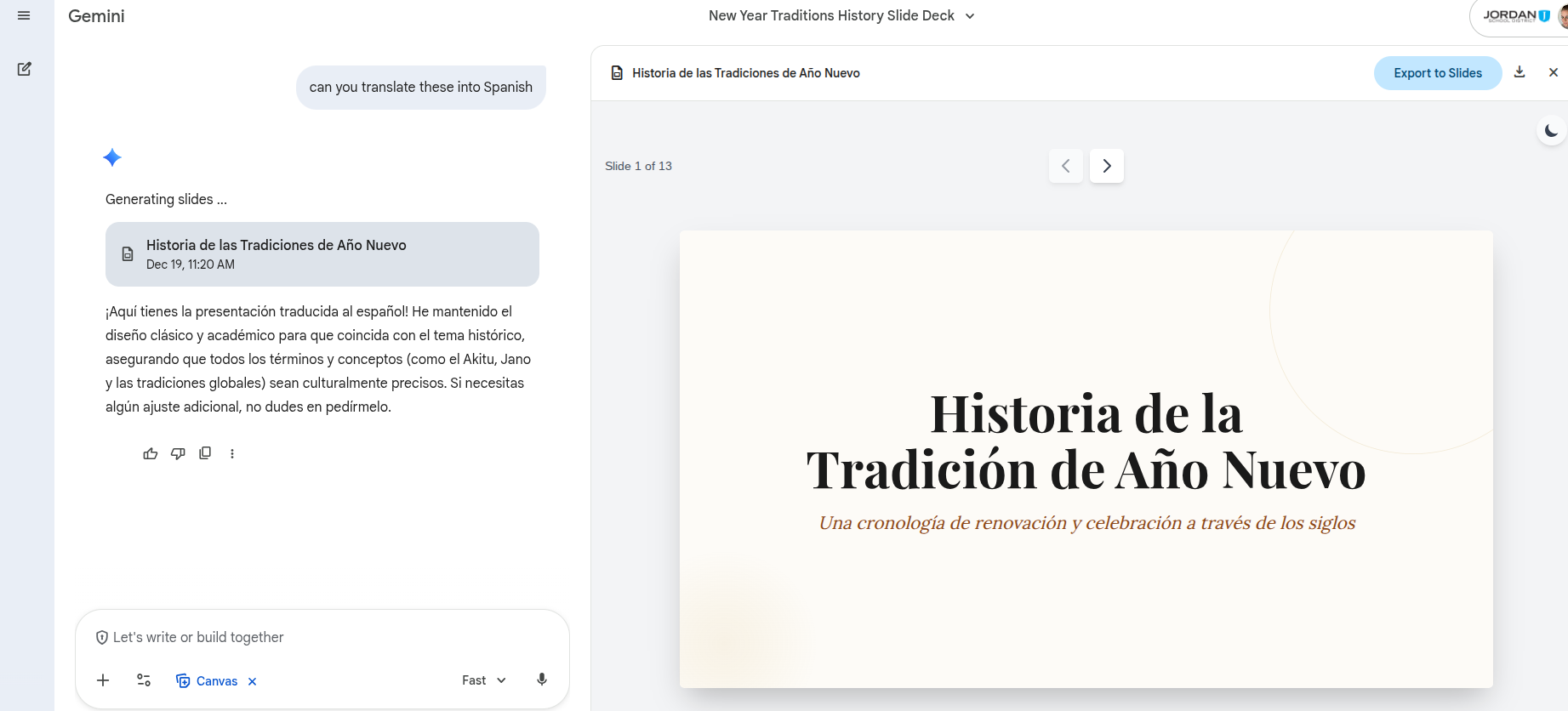
Bonus- you can use Gemini to translate the same slides into different languages! For more information, read more on the Google Workspace  Updates Blog. 

Google Workspace Updates: Generate presentations in the Gemini app 

Google News- December 2024: The Gift of Gemini

This Christmas, let Google's Gemini and Notebook LM be your digital elves. Notebook LM, your holiday helper, magically organizes lessons and turns thoughts into seamless unit plans, while Gemini, your tech-savvy elf, expertly breaks down tasks with a sprinkle of holiday magic. Click on the screen to learn more!

The Gift of Gemini by kelli.cannon

This November, let's make our classrooms more accessible by shining the spotlight on Google Chrome's cool tools! Live Captions are like having subtitles for everything, perfect for our ML listeners. Switching languages on Chromebooks is as easy as pie, helping our bilingual students feel right at home. Finally, Chrome Reading Mode turns any page into a cozy reading corner, perfect for those chilly fall days. These features make learning fun and inclusive for all of our students!

Google News- November 2024 by kelli.cannon

Happy Halloween! Discover the tricks and treats Google has in store for you this October.

Need to customize a Google app URL for your learners? The Sir Links-a-Lot Chrome extension allows you to easily create templates, force copies, generate previews, or convert URLs to PDFs with a single click.

GEG Utah kicked off the year with their first meetup! Co-leader Emma Moss introduced the annual theme, "Cultivate and Innovate with Google," and showcased Google's Musical Canvas, an engaging student activity blending AI, art, and music.

Eric Curts from “Control Alt Achieve” shared Halloween-themed educational activities with Google tools including:

🎃 Build a Jack-O-Lantern with Google Slides

👻 Halloween Rebus Stories with Emojis and Google Docs

🦇 Halloween Drag and Drop Poetry with Google Drawings

💀 Skittles and Google Sheets Math Activities

Google News- October 2024 by kelli.cannon

Google News- August 2024
Introducing AI in the Classroom

This school year, AI is a hot topic, sparking engagement and innovation in the classroom. Explore these Google tools with your students to help introduce the basics of AI.

Introducing Experience AI

Experience AI is an educational program for teachers and students aged 11–14, offering cutting-edge resources on artificial intelligence and machine learning. Developed by the Raspberry Pi Foundation and Google DeepMind, it supports teachers and ignites students' passion for AI.

For younger students, try Google’s “Quick Draw!” to introduce AI concepts. It's a fun, interactive game where students draw pictures, and an AI tries to identify them. This activity makes learning about AI engaging and accessible for all ages.

Google News- August 2024 by kelli.cannon