
With the winter months upon us it is now time to think about being prepared for the possibility of virtual learning days. This slide deck introduces Canva's library of Ready-to-Teach lessons and how they could be utilized for virtual learning days. You will also find instructions for how to use Canvas to distribute Canva Learning materials and have students submit assignments. Not a Canvas user? Learn how you can assign students work and have them submit it back to you directly in Canva. Lastly, this slide deck highlights two example lessons that you could utilize as is or make edit to fit your needs.
Canva for Virtual Learning Day by Colby HawkinsCanvas Home Access Cards
To go along with this resource, Larisa Nageli created a wonderful template for student Canvas Cards and also a presentation on how to use the Canva Bulk Create feature to create these cards. Go through the presentation below to find out how to easily create your Canvas Home Access cards for your students using Bulk Create. Click on the Card image below to access the Canva template.
Canvas Take Home Card w/skyward by Larisa Nageli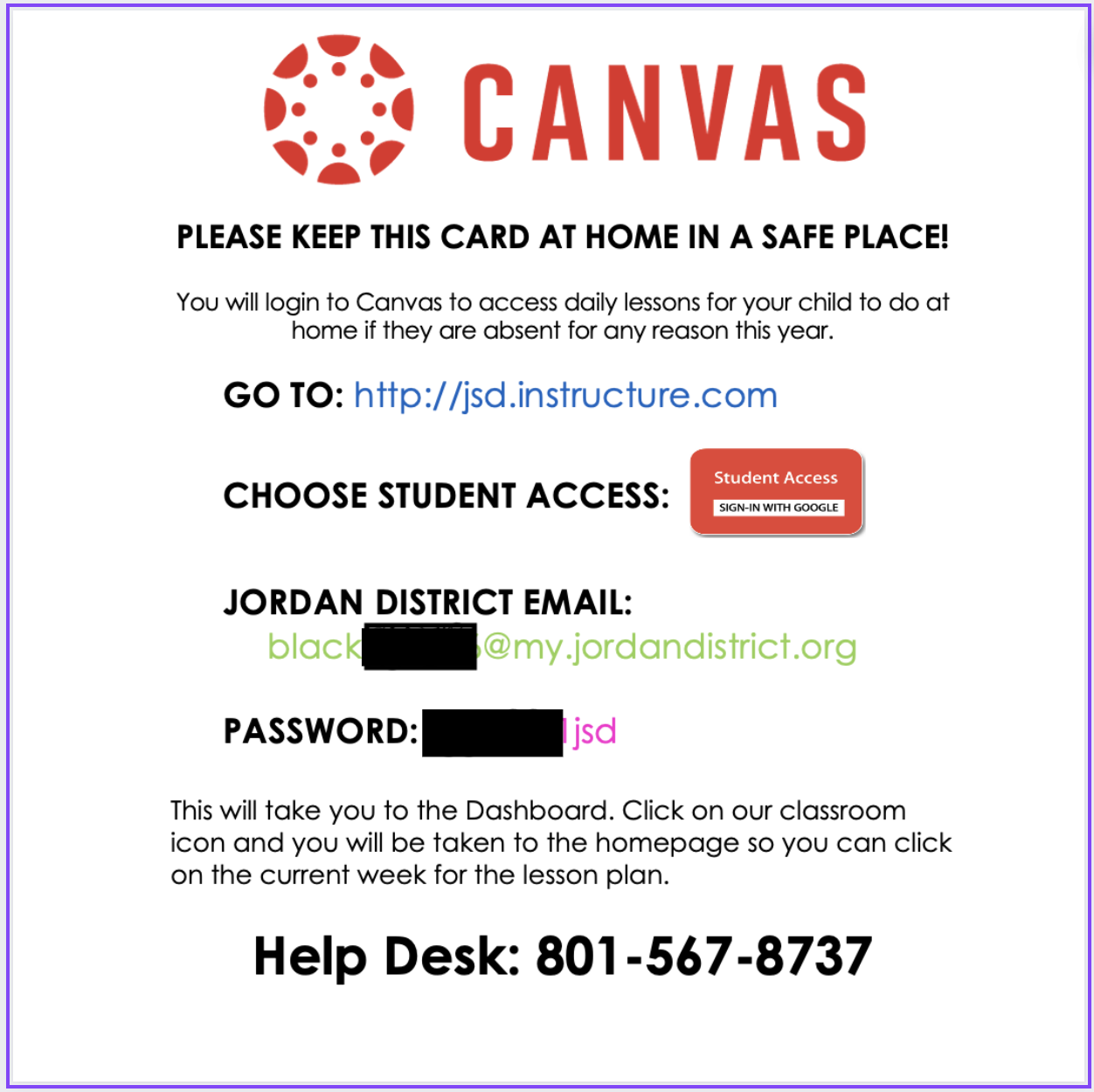
Connecting the Dots With Canva for Eduction – November 2023
This newsletter comes to us from the Canva Learning Consultants. In this edition learn how to sprinkle some magic on writing in Canva with Magic Write, how to record a group presentation in Canva, and much more! Click the image to access the complete newsletter.

November 2023 AI Updates
November 2023 AI Updates
AI is a new and engaging tool that students can use during the learning process! Check out this freebie tool that embeds AI into the Think-Pair-Share strategy. In pairs, students can create ideas and brainstorm, chat with a partner, and consult AI to synthesize, summarize, or add clarity to their ideas. (Click Image for Link)

Virtual Learning (Snow) Day – Canvas Resources
Welcome to our Virtual Learning (Snow) Day Hub. This resource will provide links and videos to help you in creating engaging online learning opportunities for your students. Below is a video describing the new resource available in Canvas.
Canvas Virtual Learning (Snow) Day by Deanna and Kasey