Ready to see what’s new in your digital ecosystem? We have some fresh AI updates to share regarding our Big 6 tools that will change the way you and your students create, collaborate, and learn!
April 24th Lunch & Learn- Big 6 AI Updates by kelli.cannonCategory: Canva
Introducing Canva Live Learning Sessions
Check out one of Canva's latest features, Live Learning sessions. This feature is a fast reliable way to bring every student into a shared activity, ready to create, collaborate, and learn together in seconds. Check out the slide deck below to learn more.
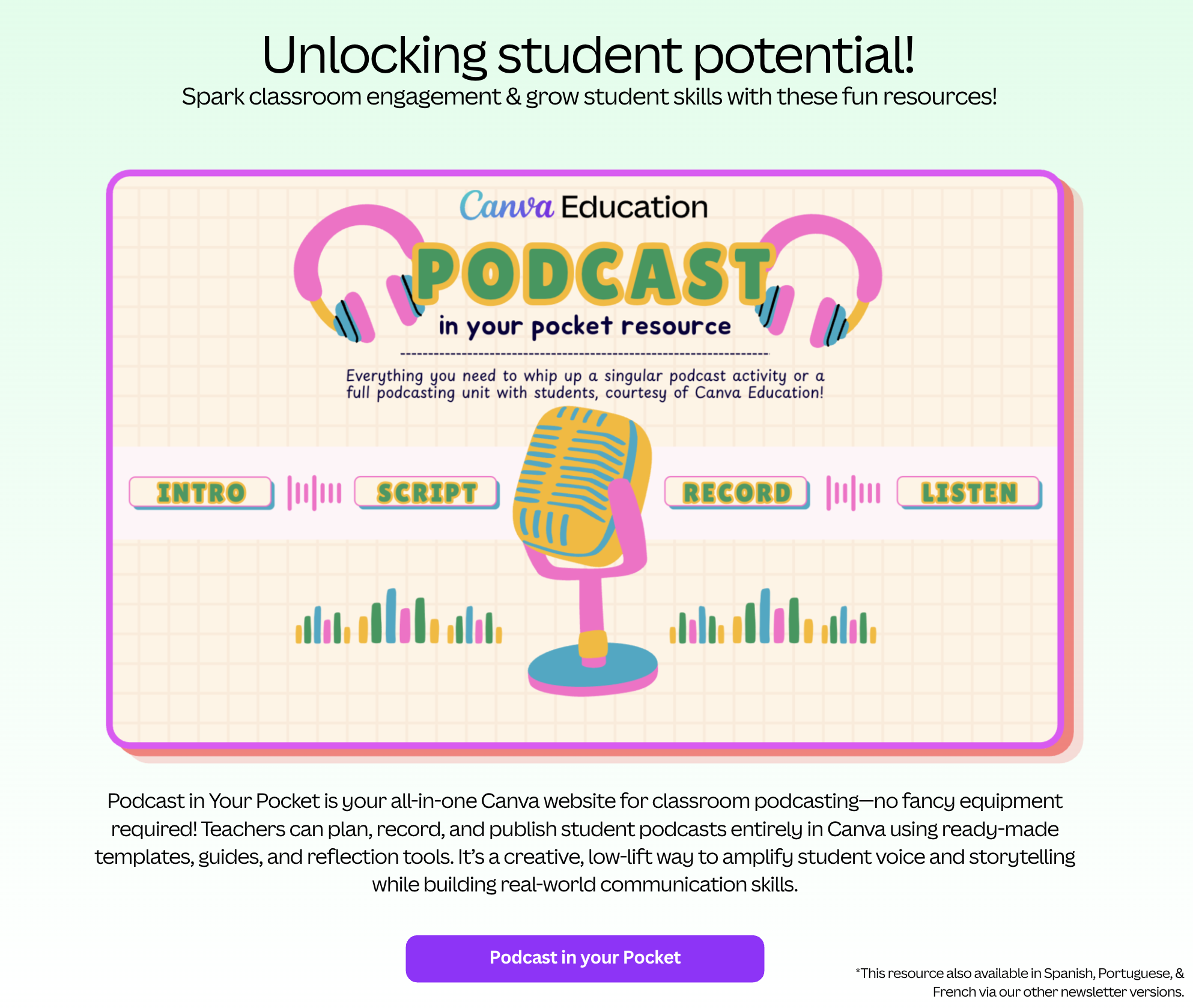
Introducing Canva Live Learning Sessions by colby.hawkinsCanva Podcast in your pocket resource
Curious Thinkers with Canva Code 2.0 (Big 6 in 60)
Introducing Canva Code 2.0—the game-changing feature that turns simple text prompts into fully customized, interactive learning widgets in seconds! No coding experience is required.
In this video you'll see how Canva Code empowers you to:
Canva Unleashed: Power-Up Your Teaching with New Features!
Canva announced a massive wave of new product updates at the end of October! Below you will find highlights of the most powerful new features for educators.
We're seeing major improvements to AI tools, now allowing you to create more interactive and engaging content for your students in minutes. Best of all, there is a much-improved ability to collect data from AI-coded interactives, and a new way to check student understanding with Forms. The updates also include exciting creative additions like gradient text and 3D content generation, along with much more!
View the slide deck below to check out these new updates and see how to start using them in your designs!
Latest Canva Updates Oct 2025 by colby.hawkins