Category: Big 6
Adobe Update (Feb 2025)

Get ready to enhance your teaching toolkit with three exciting Adobe sessions at the upcoming UCET conference. These sessions, led by experienced educators, will introduce you to innovative ways to integrate Adobe tools into your classroom.
- Amplify Classroom Voices with Adobe Podcast
- Date & Time: February 25, 2025, 10:15am - 11:15am MST
- Description: Learn how to create engaging audio content with Adobe Podcast. This session, led by Rob Bentley, will cover everything from recording to editing, perfect for boosting student engagement.
- Adobe for Primary Grades
- Date & Time: February 25, 2025, 1:30pm - 3:30pm MST
- Description: Join Taunya James to explore Adobe Express and discover how primary students can use digital media tools to tell stories and express ideas across all subjects.
- What's New and Exciting in Adobe Express?
- Date & Time: February 25, 2025, 11:30am - 12:30pm MST
- Description: Rob Bentley will showcase the latest features in Adobe Express, including new integrations and tools to enhance your digital classroom activities.
Don't miss these sessions to learn how Adobe can transform your classroom and inspire your students! Adobe will also have several sessions from some of their featured presenters, so lots to choose from at UCET 2025.
Google News- February 2025: Get Set for UCET
Get set for UCET on February 25-26 with these must-see “Googley” sessions! Don’t miss out on the ways Google can transform your teaching and inspire your students to be more creative. See you at UCET 2025!
Google News- February 25 UCET Preview by kelli.cannon
Google News- January 2025: Winter Creativity
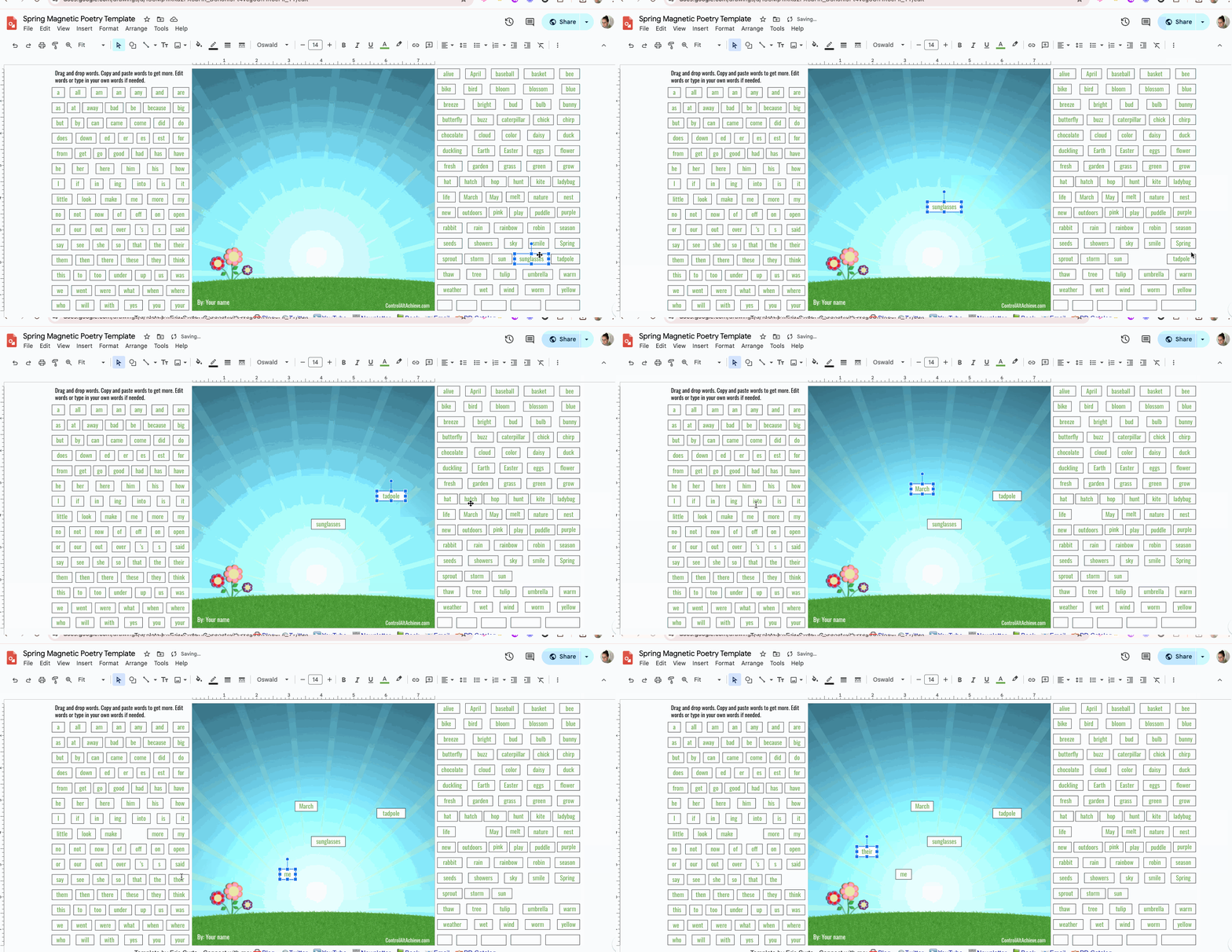
This month, explore winter creativity with Google. Begin with Google Lab's "Whisk" to explore storytelling through image generation. Next, inspire students to set a "One Word" goal using Google Slides. Wrap up with an engaging snowman-building activity in Google Slides. These activities will light up imaginations all winter long! Continue Reading...
Google News- January 2025 by kelli.cannon
January Google Update
January 2026 Google News-
Generate Presentations in the Gemini App
Google recently introduced the ability to create slide presentations in Gemini through the Canvas tool. Provide an idea with a text prompt or upload a source, and Gemini will generate a set of slides — complete with a theme and relevant images. Then, export the presentation from the Gemini app directly to Google Slides to continue to refine or collaborate with others.
Open the Gemini app, select “Canvas” in the toolbar, and ask Gemini to “create a presentation.” You can specify a topic or upload your own source with the prompt.

Bonus- you can use Gemini to translate the same slides into different languages! For more information, read more on the Google Workspace Updates Blog.

Google Workspace Updates: Generate presentations in the Gemini app