
Now that Spring is here, it is a good time to think about decluttering and cleaning. Take some time to look through your launched Schoolai Spaces. If you have had spaces open since the beginning of the year, it might be a good idea to evaluate whether to keep them open or end the session. You may also want to set reminders to check your open Schoolai spaces weekly to answer any learner's questions or issues.
Brown and Orange Illustrative Spring Cleaning Checklist Instagram Post by dtaylorCategory: Artificial Intelligence
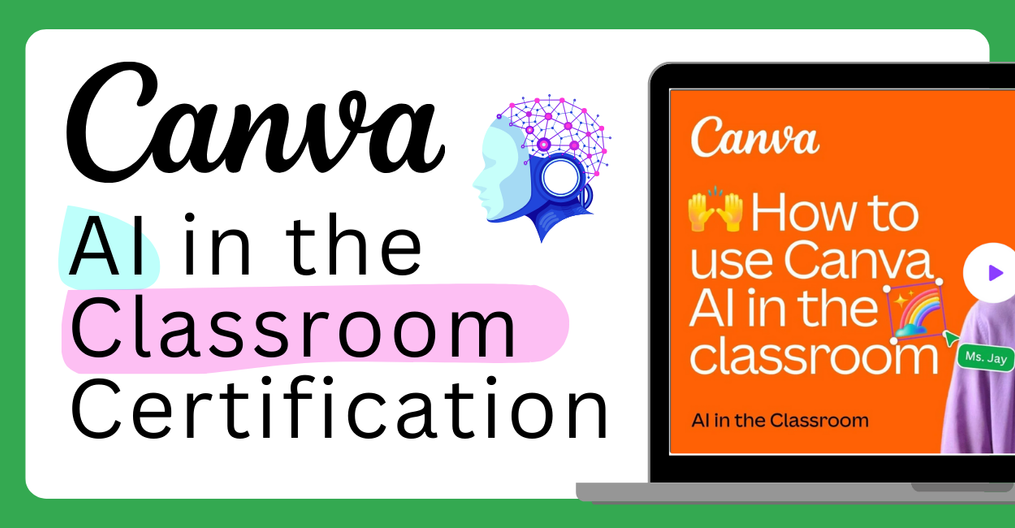
New Canva Certification: AI in the Classroom
Canva recently launched a new certification that is specifically for educators called AI in the Classroom. This certification includes a preparation course that takes approximately an hour to complete followed by a test that you will take to earn your certification. In this certification you will learn all about how to use the different AI tools found in Canva to help you with lesson planning, creating presentations, transforming your existing teaching materials, making content more accessible, and how to boost creativity with AI. Click on the image below to access the certification information and get started.
Schoolai Journey January Newsletter
In the January Schoolai Journey newsletter, check out how to find your perfect Space! Add your grade and subject to your profile, and Schoolai will recommend spaces just for you. Also, check Schoolai's AI tutors - your students' personalized learning partners!
School AI Newsletter by dtaylorAll past months of Schoolai Journey are listed at the end of the above newsletter.
Schoolai Big 6 in 60 – Curious Thinker
Check out the latest Schoolai Big 6 in 60. This video focuses on how students can interview one of the Schoolai Famous Person chatbots in Schoolai. They can use the research they gain from the interview to create an infographic of that famous person's life and accomplishments. Check it out now.
Adobe Update (Dec 2024)

One of the newest features of Adobe Express are dozens of guided activities for every subject to help students learn how to use all the cool tools inside Express. You can some of the new features inside of Adobe Express by going through a user-friendly step-by-step process..
For example, learn how to use generative AI to create a fun, silly creature and then animate it with your voice! Check out this specific guided activity template here: https://new.express.adobe.com/new?learn=exercise%3Aexpress%2Fhow-to%2Fin-app%2Ftest. Here are some examples that our DTL team created in Adobe Express (plus, you might learn some fun new features in our other Big 6 tech tools!!:
Colby
Kelli
Ami
Larisa
Kiera